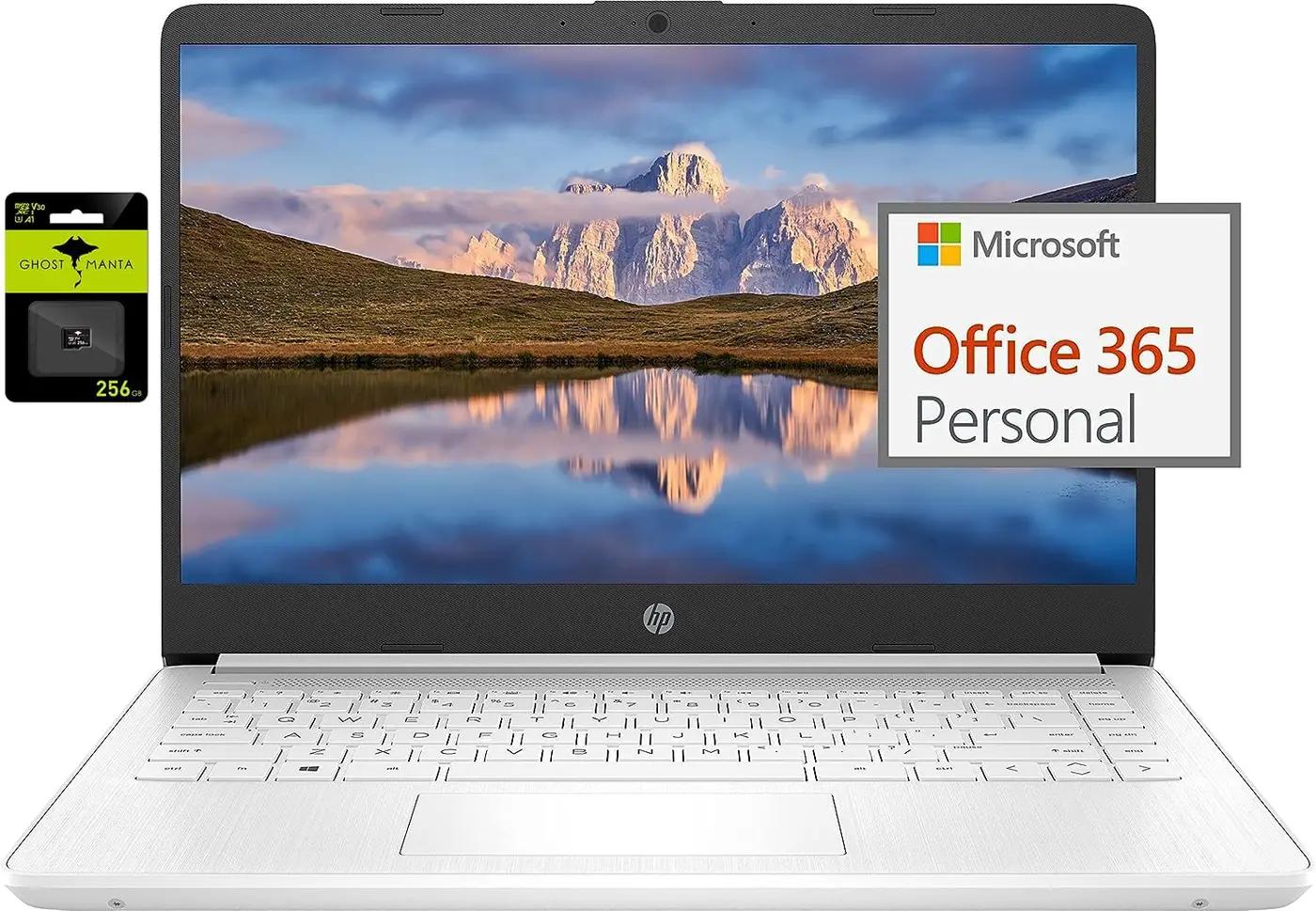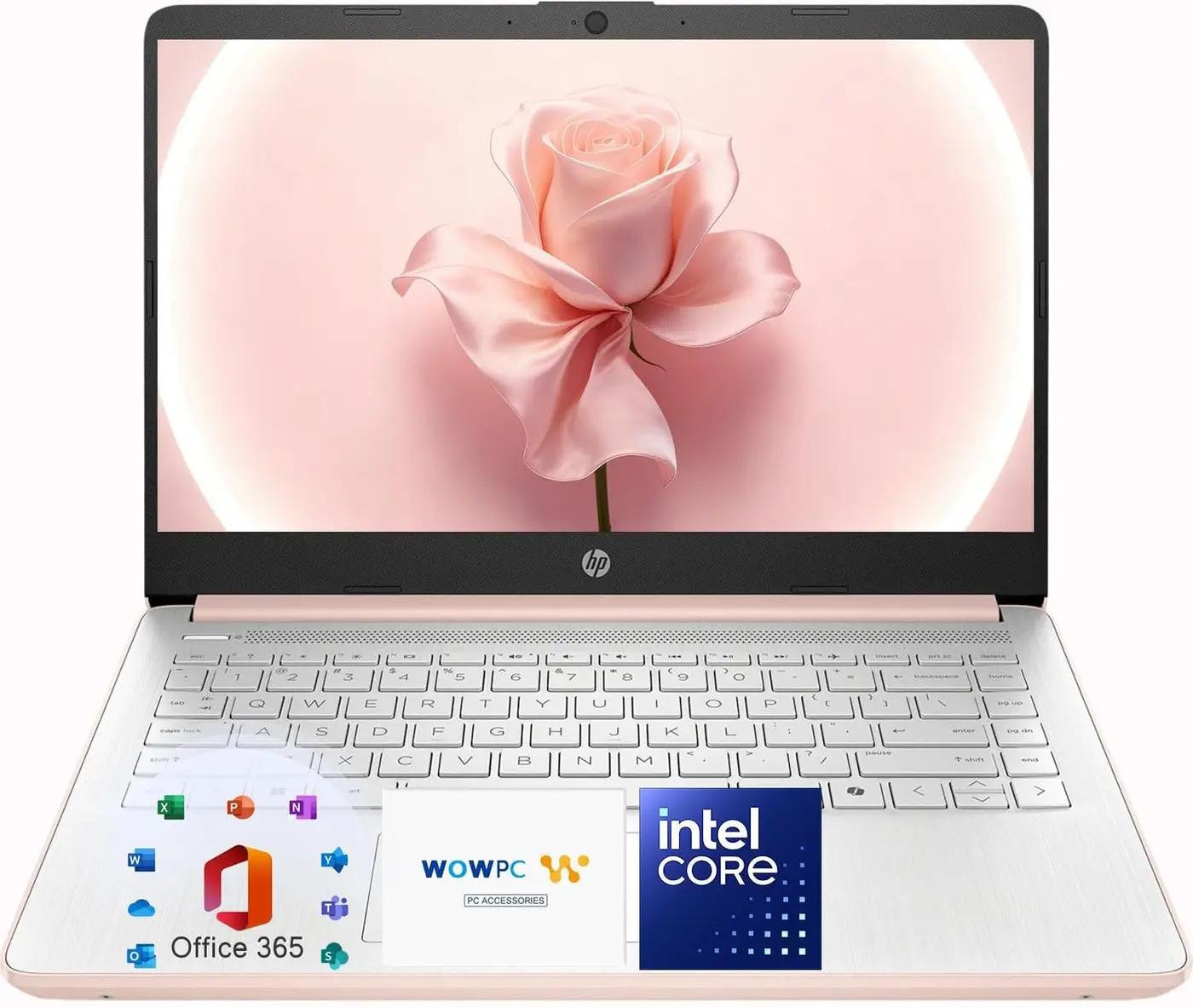

Dell Touchscreen Laptop Computer, Intel 10-Core i5-1334U(Beat Ryzen 7 7730U), 32GB RAM 1TB SSD, Win 11 Pro WiFi6 Long Battery Life Bluetooth, 15.6" 2K Laptops for Gaming Business
You save €270.02
About this item
We sells laptop-computer with upgraded configurations. If the computer has modifications (listed above), then the manufacturer box is opened for it to be tested and inspected and to install the upgrades to achieve the specifications as advertised. If no modifications are listed, the item is unopened...
You save €270.02
We sells laptop-computer with upgraded configurations. If the computer has modifications (listed above), then the manufacturer box is opened for it to be tested and inspected and to install the upgrades to achieve the specifications as advertised. If no modifications are listed, the item is unopened and untested. Defects & blemishes are significantly reduced by our in depth inspection & testing. Microprocessor: Intel Core i5-1334U (10 Cores,up to 4.6 GHz) Graphics Type: Intel UHD Graphics Memory: Upgraded to 32GB high-bandwidth DDR4 Memory Hard Drive: Upgraded to 1TB storage Display: 15.6" Full HD (1920 x 1080) Touchscreen Wireless Connectivity: Wi-Fi 6 and Bluetooth combo External Ports: 1 x USB Type-C 3.2 1 x USB Type-A 3.2 1 x USB Type-A 2.0 1 x HDMI 1.4 ports Minimum Dimensions (W x D x H): 14.11 x 9.25 x 0.69 inches Weight: 4.28 LB Operating System: Windows 11 Pro Switching out of S mode in Windows 11 Windows 11 in S mode is designed for security and performance, exclusively running apps from the Microsoft Store. If you want to install an app that isn't available in the Microsoft Store, you'll need to switch out of S mode 1. On your PC running Windows 11 in S mode, open Settings > System > Activation. 2. In the Switch to Windows 11 Pro section, select Go to the Store. (If you also see an "Upgrade your edition of Windows" section, be careful not to click the "Go to the Store" link that appears there.) 3. On the Switch out of S mode (or similar) page that appears in the Microsoft Store, select the Get button. After you see a confirmation message on the page, you'll be able to install apps from outside of the Microsoft Store.
Features
- 【13th Gen Intel i5 Processing Power】Elevate your computing with the 10-core Intel Core i5-1334U processor in this Dell 15.6" Business Laptop. Experience swift performance ideal for data analysis, coding, and managing complex academic projects.
- 【Crisp 2K IPS Touchscreen】Enjoy stunning detail and wide viewing angles on the 15.6" 2K IPS touchscreen. This FHD Laptop's display is perfect for professionals reviewing financial models or students working on intricate graphic design assignments.
- 【32GB RAM for Seamless Workflows】Multitask efficiently with 32GB of DDR4 system memory. This Dell computer notebook provides the necessary headroom for running virtual machines, editing large spreadsheets, or having numerous research papers open simultaneously.
- 【Spacious & Speedy 1TB SSD】Benefit from rapid file access and generous storage with a 1TB SSD. This Dell Laptop allows business users to store extensive client portfolios and students to keep all their term projects in one secure place.
- 【Windows 11 Pro for Business & Study】Work with confidence on Windows 11 Pro, offering robust security and productivity tools. This makes the Dell Touchscreen Laptop a dependable choice for professionals handling sensitive data and students needing a stable platform.
- Color
- Carbon Black
- Hard-drive Size
- 1 TB
- Operating System
- Windows 11 Pro
- Other Special Features of the Product
- Anti-Glare Display, HD Audio, Touchscreen, Wi-Fi 6
- Graphics Description
- Integrated
- Graphics Coprocessor
- Intel UHD Graphics
- Hard Disk Description
- SSD
- Weight
- 4.3 Pounds
- Specific Uses for Product
- Business, Student
- Webcam Capability
- Yes
- Automatic Backup Software Included
- Webcam
- Form Factor
- Traditional Clamshell
- Hard Disk Interface
- Solid State
- Camera Description
- Front
- Graphics Ram Type
- Shared
- Compatible Devices
- External displays, mice, keyboards, storage devices, printers, and other accessories with USB, HDMI, or Bluetooth connectivity
- Item Dimensions L X W X Thickness
- 14.11"L x 9.25"W x 0.69"Th
- Chipset Type
- Intel Core i5-1334U
- Video Output
- HDMI
- Screen Size
- 15.6 Inches
- Resolution
- 1080p
- Native Resolution
- 1920 x 1080 pixels
- Display Type
- LCD
- Display Resolution Maximum
- 1920x1080 Pixels
- Display Technology
- LCD
- Touch Screen Type
- Capacitive
- Total Usb Ports
- 3
- Hardware Interface
- 3.5mm Audio, Bluetooth, HDMI, USB 2.0 Type A, USB Type C
- Number of Ports
- 4
- Total Number of Hdmi Ports
- 1
- Audio Output Type
- Speakers
- Processor Series
- Core i5
- Processor Speed
- 4.6 GHz
- Processor Count
- 10
- Processor Brand
- Intel
- Cpu Model Number
- Intel Core i5-1334U
- Cpu Model Generation
- 13th Gen
- Cpu Model Speed Maximum
- 4.6 GHz
- Model
- Dell Laptop
- Built-in Media
- 1 x 65W Fast Charger, 1 x Dell Laptop 32GB+1TB(Up to 2TB), 1 x User Manual, Windows 11 Pro
- Unit Count
- 1.0 Count
- Item Type Name
- Laptop
- Ram Memory Installed
- 32 GB
- Ram Memory Technology
- DDR4
- Ram Memory Maximum Size
- 32 GB
- Ram Type
- DDR4 SDRAM
- Memory Slots Available
- 1
- Connectivity Technology
- Bluetooth
- Wireless Technology
- Wi-Fi
- Wireless Compability
- 802.11ax
- Bluetooth Support?
- Yes
- Human-interface Input
- Keyboard, Keypad, Microphone, Touchscreen
- Hard Disk Size
- 1 TB
- Cpu Model
- Core i5
- Ram Memory Installed Size
- 32 GB
- Special Feature
- Anti-Glare Display, HD Audio, Touchscreen, Wi-Fi 6
- Graphics Card Description
- Integrated
Related Products